App
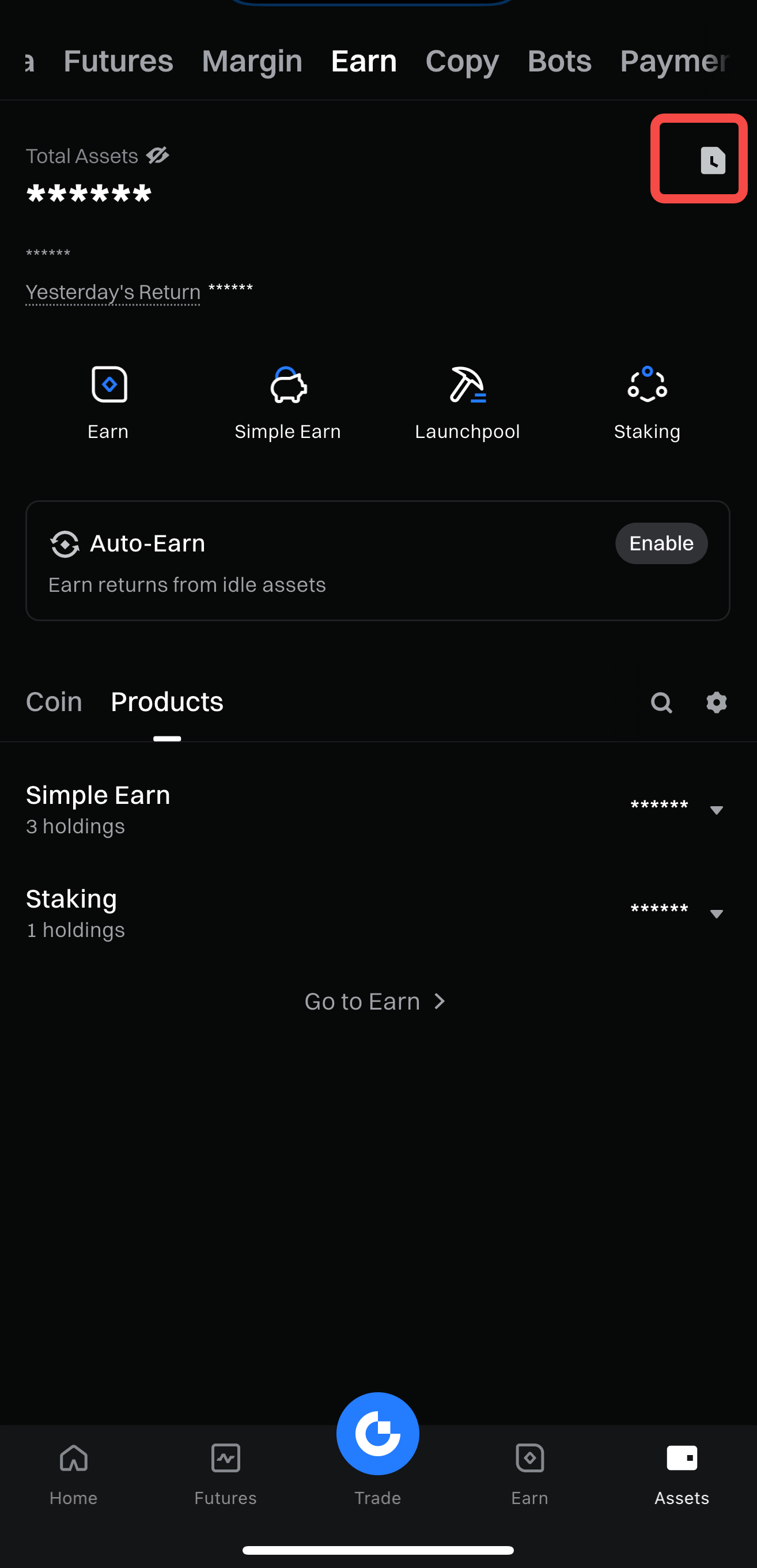
Step 1: Go to [Assets] - [Earn] - Tap the History icon.
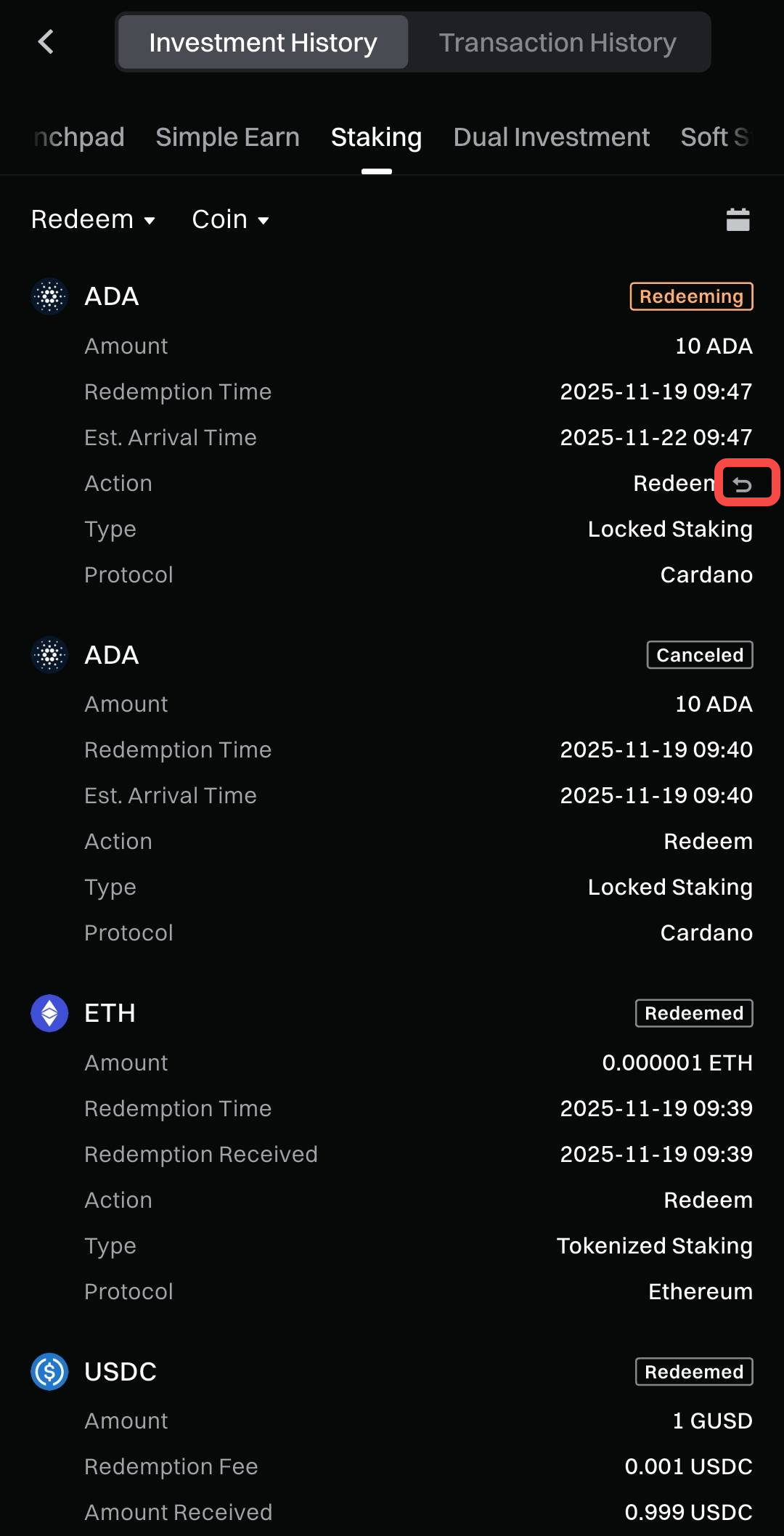
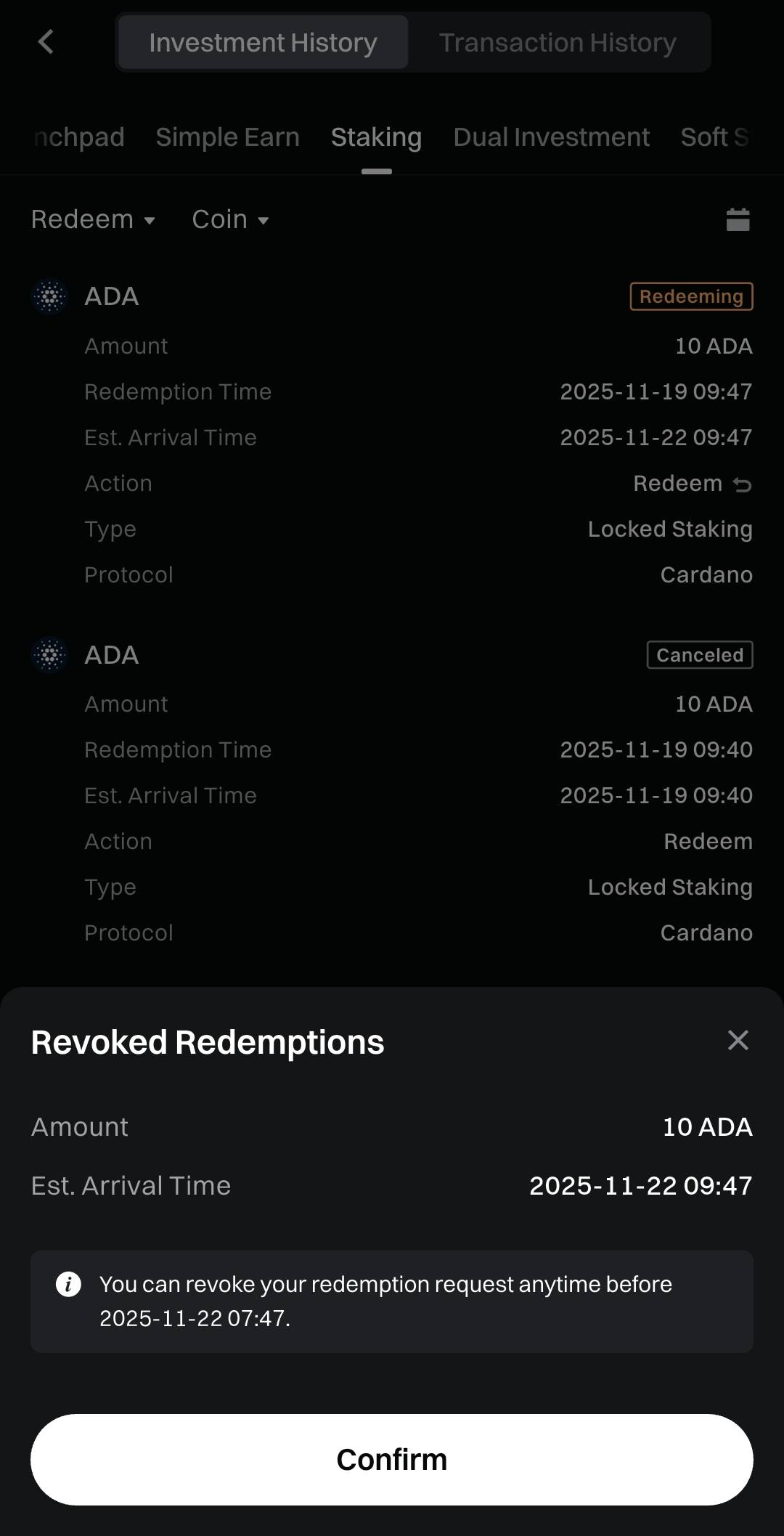
Step 2: In [Investment History] - [Staking], tap the [Revoke] icon.
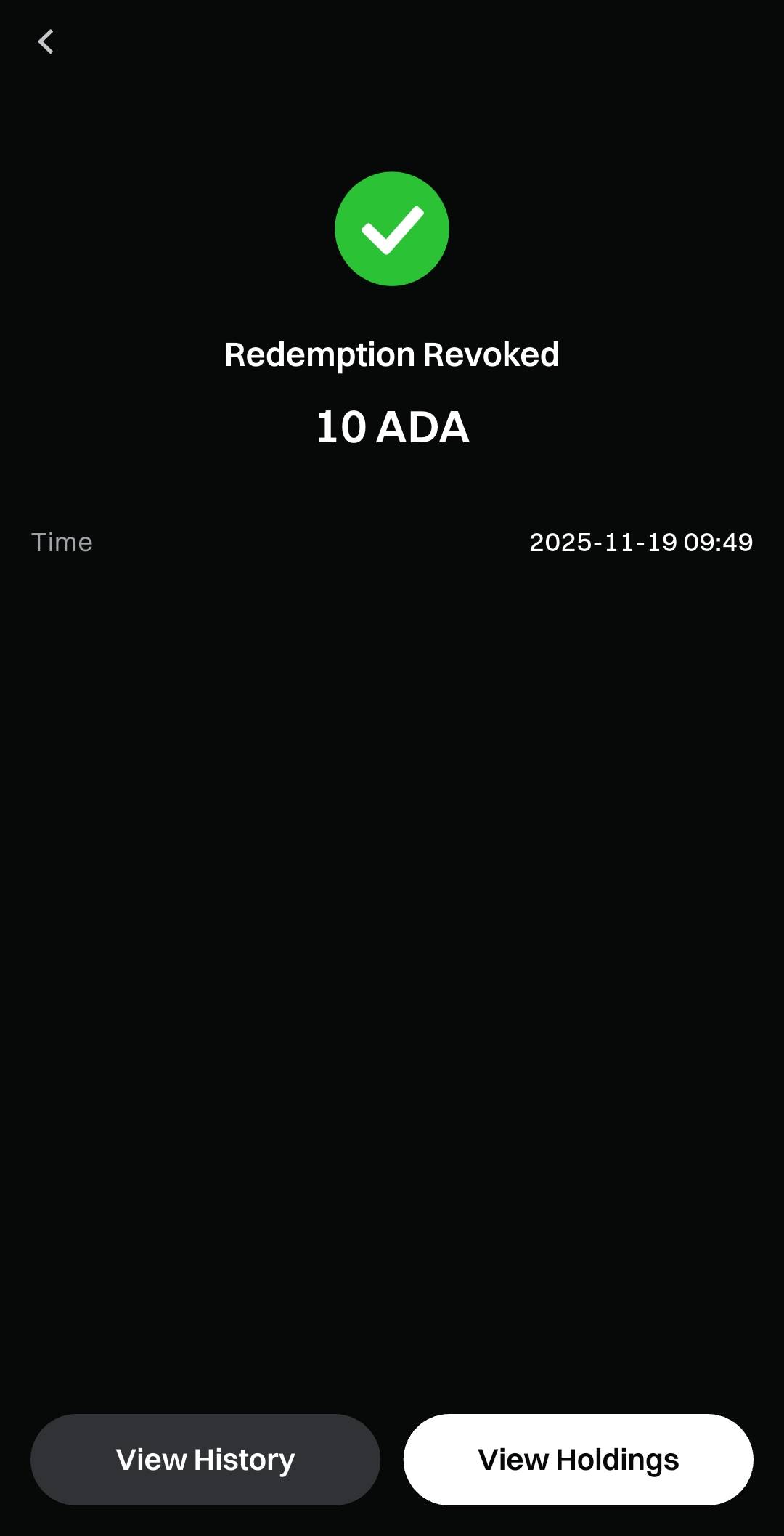
Step 3: Tap [Confirm]. The redemption will be canceled successfully.
Web
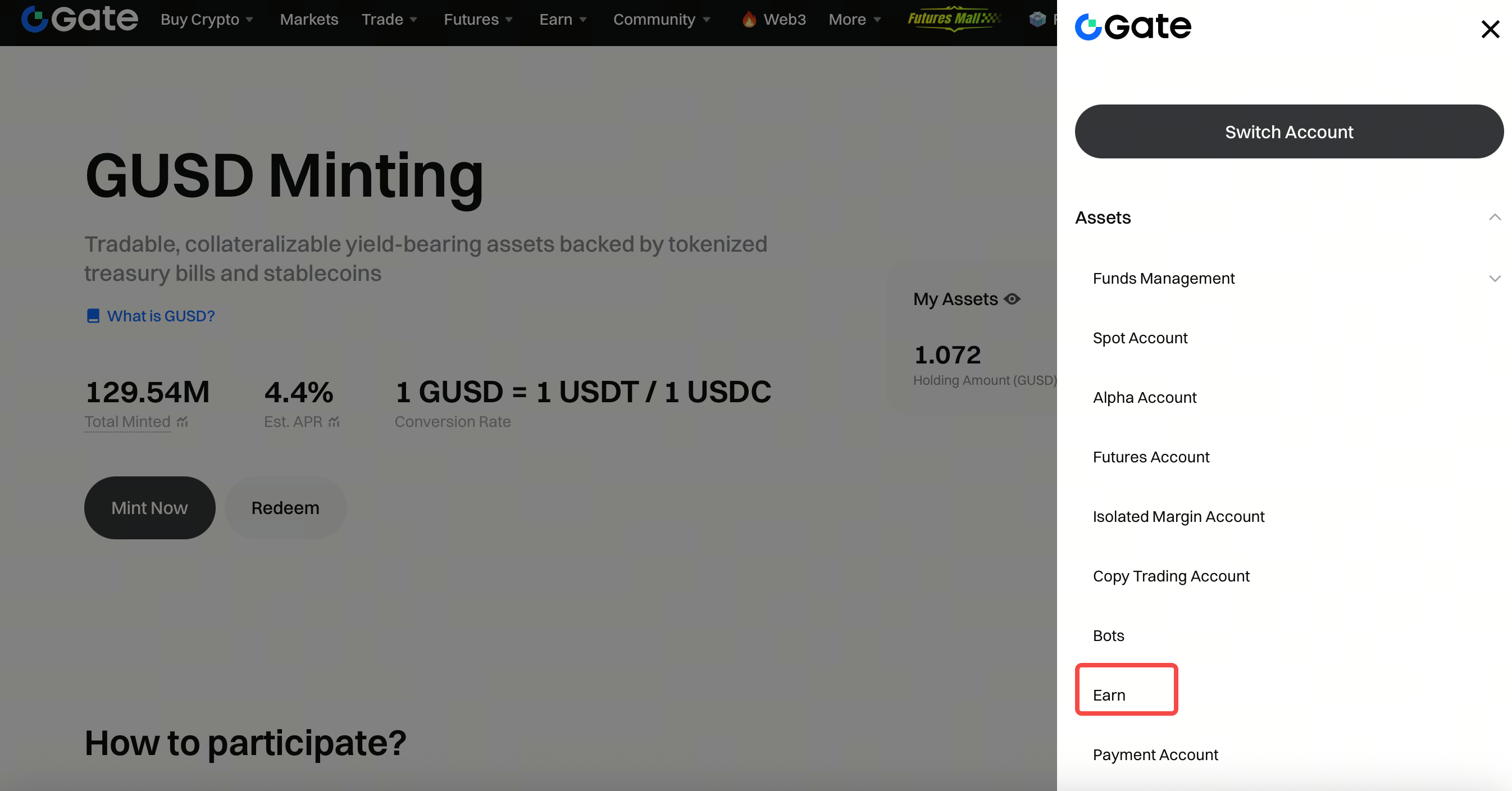
Step 1: Click your avatar - Assets - Earn Account.
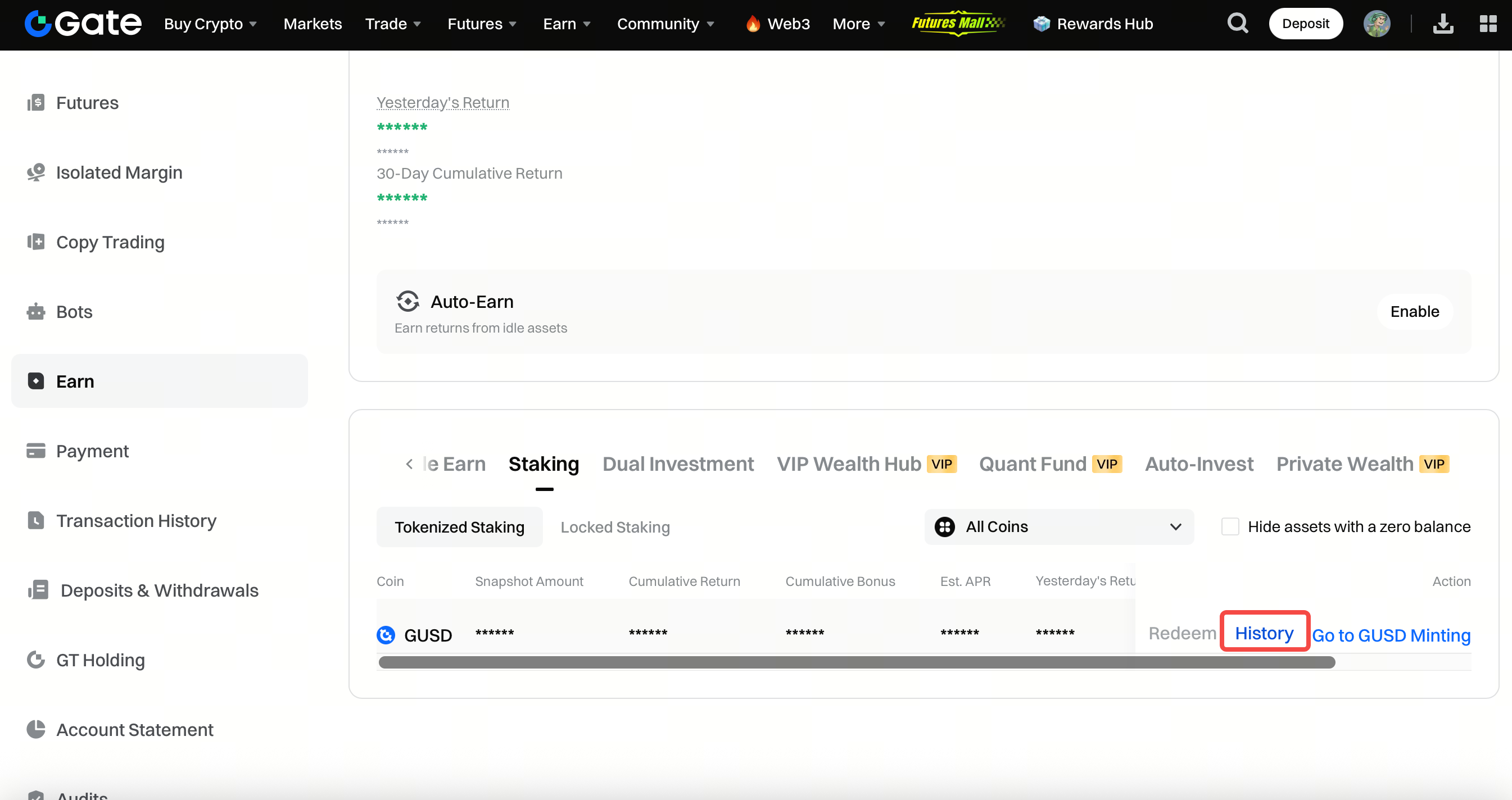
Step 2: Go to Staking - History.
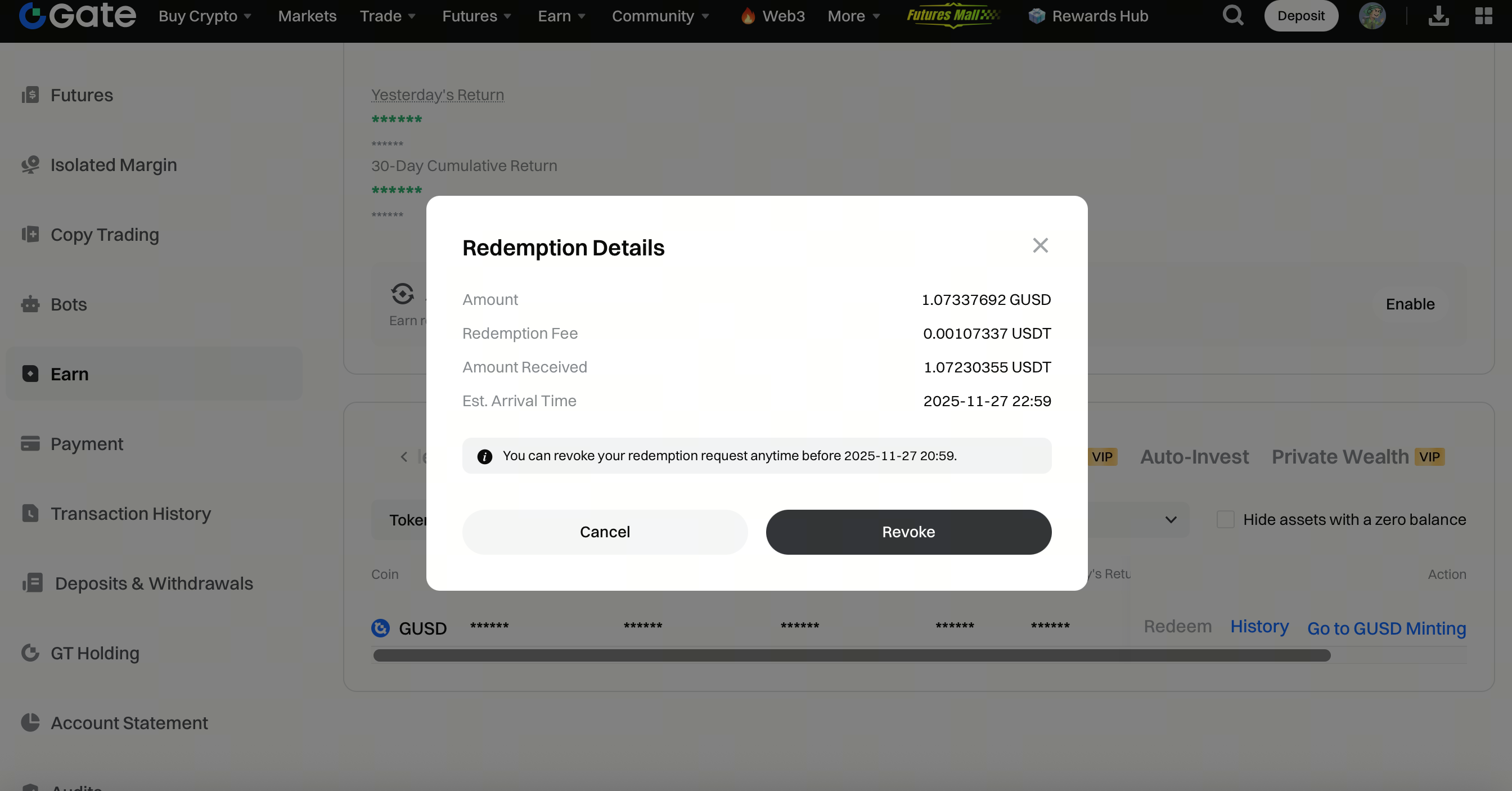
Step 3: Click Redeem - Revoke Redemptions.
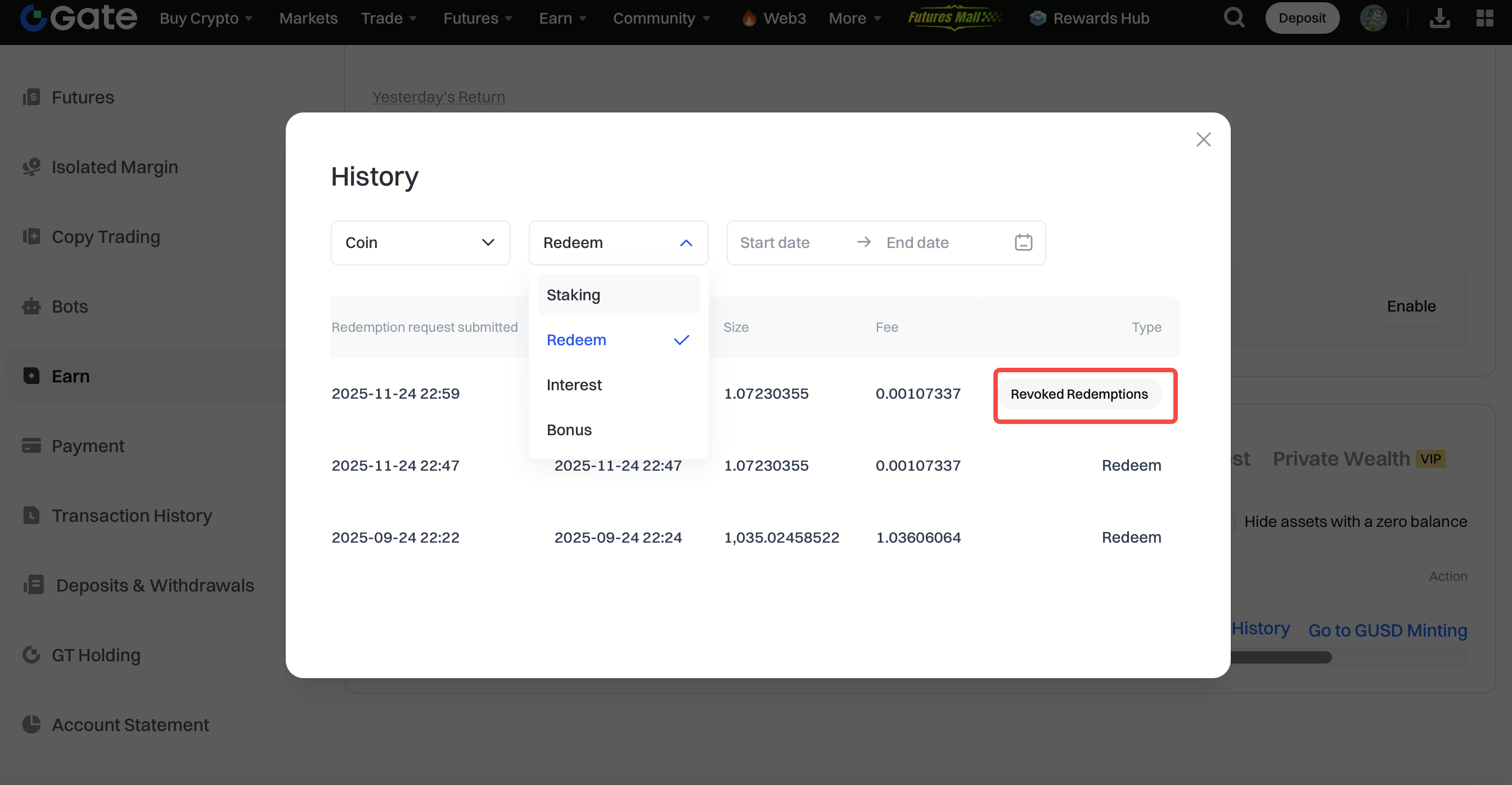
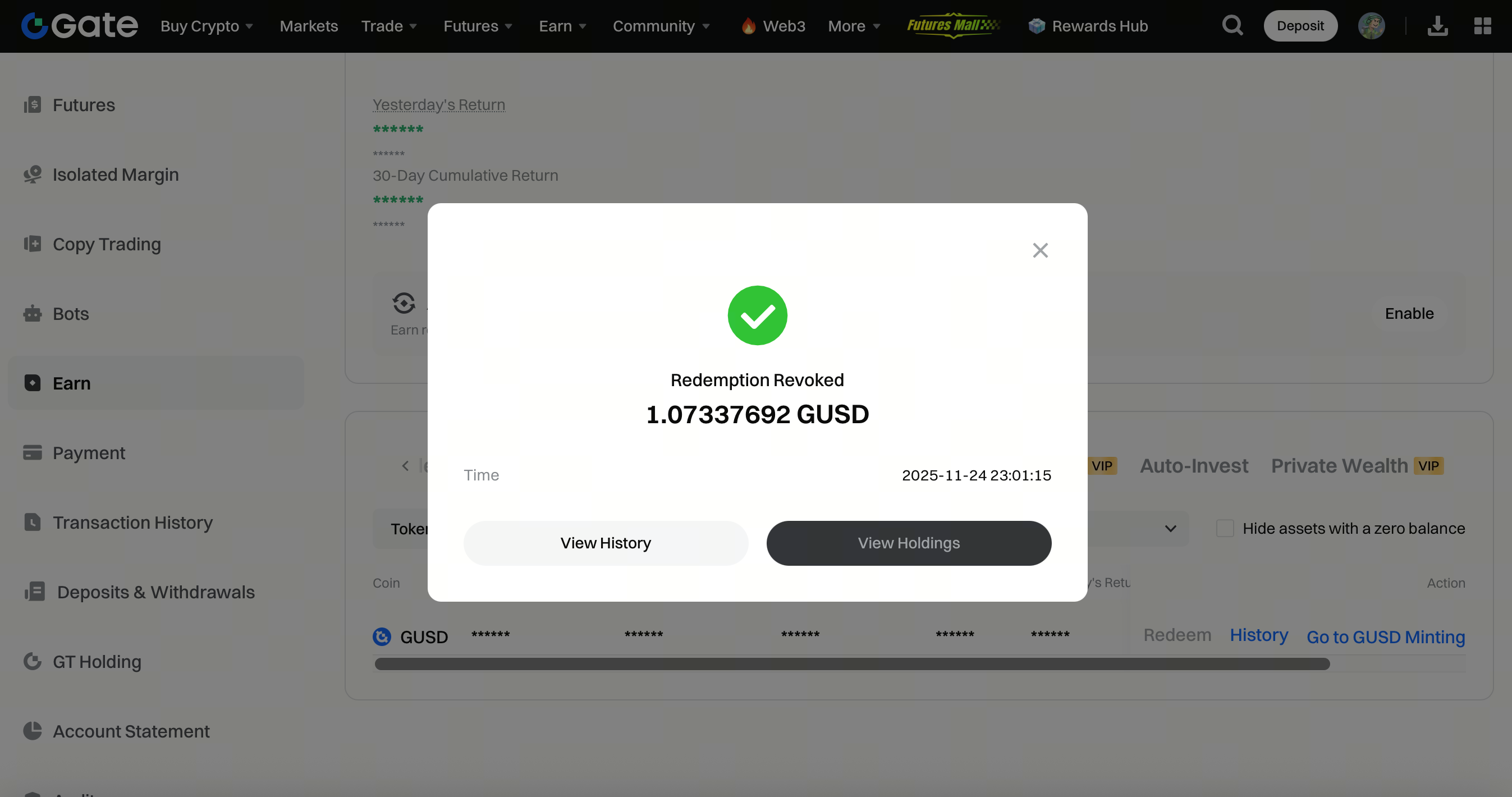
Step 4: Click Revoke. The redemption will be canceled successfully.